
 0
0
 0
0
A familiar service name or domain does not prove that a closed file-sharing website has returned under its original operator. After a service shuts down, its domain may be transferred, re-registered, relaunched by another company, or reused for an unrelated business.
The safest approach is to confirm the current operator before entering an old account, downloading files, or making a payment.
Official Closure and Relaunch
Start with the former service’s final website, verified social accounts, and parent company.
Look for an official shutdown notice, acquisition announcement, rebranding statement, or message identifying a new domain. A genuine relaunch should explain who operates the service, when it returned, whether previous accounts were transferred, and which domain is official.
Old branding alone is weak evidence. A reused logo, familiar description, or copied screenshots can make former users believe that the original service has returned even when there is no relationship between the companies.
Give priority to information published by:
- The former operator
- Its parent company
- A named acquiring company
- The verified official account
- An official customer-support channel
A journalist, fan page, or search-result snippet can provide a lead, but it should not be treated as proof of succession.
Domain and Operator Changes
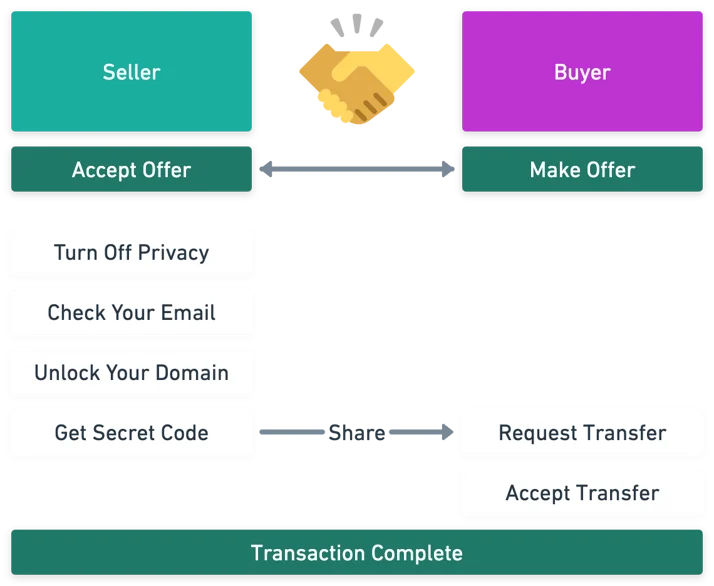
Compare the current site with archived information from before the service closed.
KISA’s KRNIC provides a WHOIS search service for domain-registration information. Available records can include the registrant, registration information, and name-server information, although historical or deleted-domain information may not always be available.
Compare the domain history with the site’s current legal information:
Domain history → former operator → current company → country of jurisdiction → privacy policy
If the current privacy policy identifies a completely different company and jurisdiction from the former service, treat it as a separate operation unless an official source documents a transfer.
A changed registrar, infrastructure, or registration date is not automatically evidence of fraud. These details are supporting clues that need to be compared with corporate announcements and archived pages.
Download and Payment Changes
Changes in the site’s main function are particularly important.
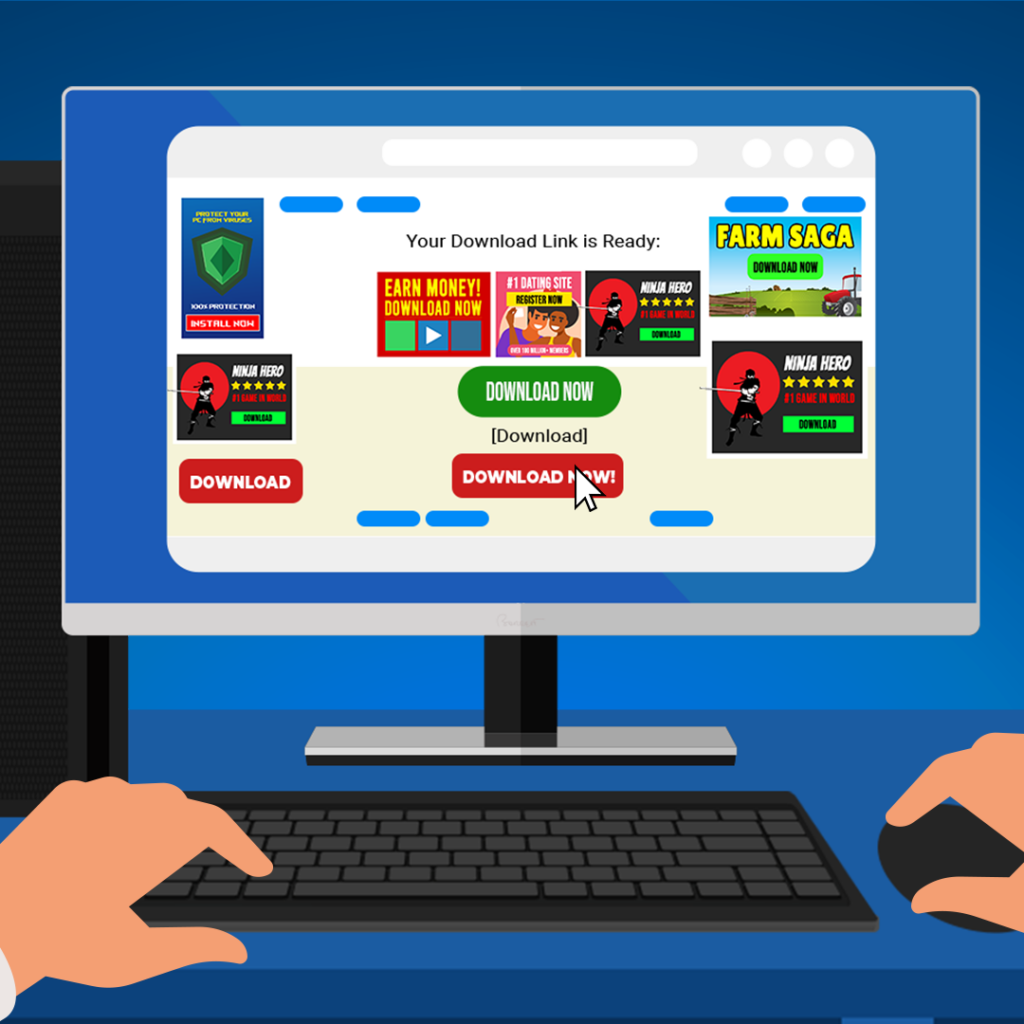
A former file-sharing service may once have provided a normal file listing but later redirect users toward installers, browser extensions, gambling advertisements, or unrelated subscription products.
Do not install software merely because a download page says that a codec, player, security update, or browser extension is required. If the requested file has been replaced by an installer or repeated redirects, stop rather than testing multiple download buttons.
Payment requests deserve the same level of caution.
Examples include:
- “Premium reactivation”
- “Account recovery”
- “Old membership restoration”
- Unexpected card registration
- Payment through an unrelated merchant
A different payment processor can be legitimate, but the relationship between the merchant, operator, and service should be identifiable. If there is no official evidence that the new operator inherited the former service’s accounts or contracts, do not pay for “reactivation.”
Credential Reuse
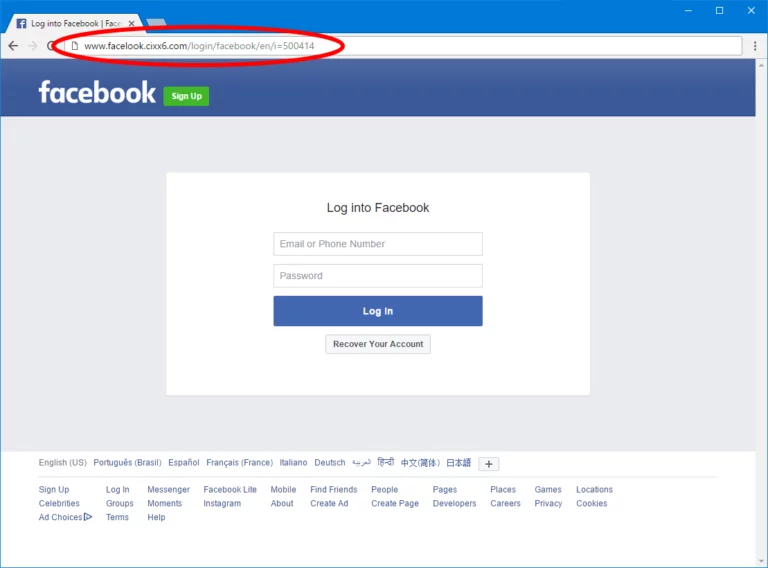
A fake login page is one of the most important risks when an old service name is reused.
Former members may recognize the familiar branding and enter the same email address and password they used years ago. A fraudulent operator could then obtain credentials that are useful on other services.
Never reuse an old password merely because the new website claims to restore an existing account.
If credentials have already been entered, change the password from a trusted device. Check other services where the same or a similar password was used, beginning with the associated email account. Review active sessions and sign out unfamiliar devices where the service provides that option. Enable two-factor authentication when available.
Do not provide passwords, full payment-card details, or identity documents to an unverified operator simply to “recover” an old account.
Search Results and Bookmarks
Old search results can remain visible after a service has closed. Browser bookmarks can also continue pointing to the former domain long after ownership has changed.
Neither is proof that the current website is legitimate.
After confirming that the original service has ended, review saved bookmarks, browser history, search results, and old RSS subscriptions. Remove outdated links and locate a legitimate replacement through the publisher, software developer, content owner, or another verified source.
This is particularly important when the old domain now redirects somewhere unexpected. A familiar URL saved years ago may lead to a completely different service today.
For historical investigation, archived webpages can help establish what the original site looked like before closure. Compare the former operator, logo, service description, and final announcements with the current website rather than relying on the domain name alone.
Combined Warning Signs
One unusual change does not automatically mean that a website is malicious. A legitimate successor may change its payment provider, redesign the site, or move to new infrastructure.
The concern becomes stronger when several changes appear together.
| Observation | Recommended interpretation |
|---|---|
| Old logo but no official relaunch notice | Operator remains unverified |
| Different company and jurisdiction | Treat as a separate operation until succession is confirmed |
| Old files replaced by installers or unrelated advertisements | Stop before downloading |
| “Account recovery” requires payment | Confirm contract succession first |
| Old login page requests the previous password | Avoid credential reuse |
| Search result points to an unexpected domain | Check the current operator |
| Bookmark still opens the former brand | Re-verify ownership before using it |
KISA provides official cyber-security consultation through 118, including assistance for hacking, malware, privacy incidents, and suspicious websites. The service also provides reporting and consultation channels for cyber incidents.
Verification Sequence
The safest sequence is:
Official closure notice → official relaunch announcement → current operator → domain history → privacy policy → download behavior → payment information → account access
When the evidence does not establish a connection with the former operator, describe the website as unverified, rather than assuming that it is the official return of the closed service.
A familiar name can be copied. A domain can change hands. An old bookmark can become misleading. The important question is therefore not whether the website looks familiar, but whether its current operator, purpose, payment route, and account relationship can be independently confirmed.


